
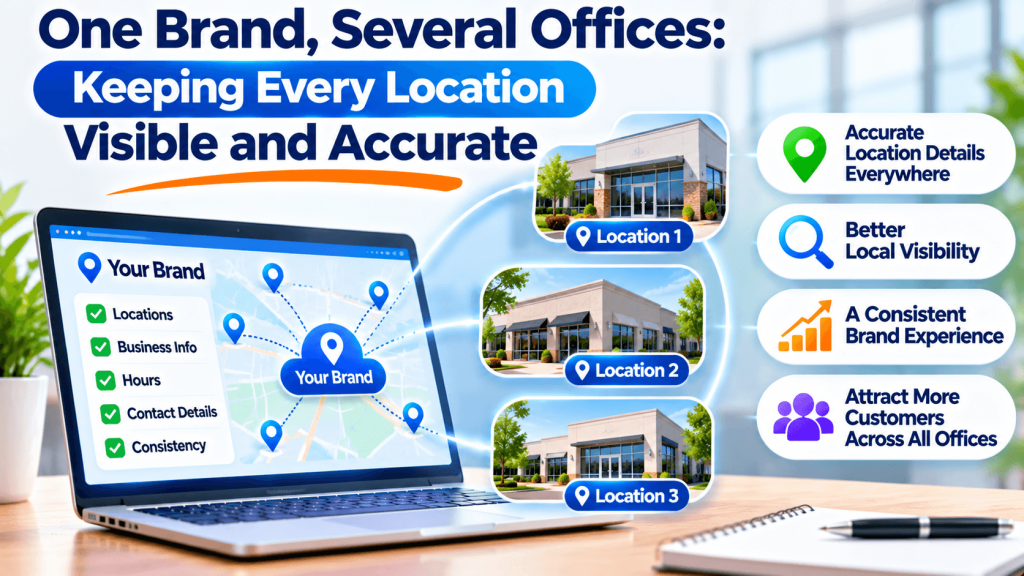
A residential brokerage near Phoenix opens a second office across town. The opening goes well, but a month later agents notice buyers calling the original office to ask for directions to the new one. Online, the new location barely appears, and several directory listings still show the original office as the brand’s only address. Expanding is a milestone, and it brings a specific challenge: each location needs its own clear, accurate presence.
Why Each Location Needs Its Own Identity Online
Search engines and customers think locally. Someone looking for a real estate office in Mesa wants the Mesa location, not headquarters 20 miles away. For that to work, each office needs its own Google Business Profile with its own address, local phone number, hours, and a link to a matching location page on your website.
Keep the brand name consistent across locations. Google’s guidelines discourage adding keywords or neighborhood names to your business name unless they’re part of your real-world branding. Distinguish locations by address and location page, not by stuffing the name field.
Location Pages That Actually Help Visitors
A location page should be more than the homepage with a new address. Include details that matter to people near that office: the agents based there, neighborhoods the team covers, parking, office hours, and directions. Show the local phone number as text, not only inside an image.
Avoid creating dozens of near-identical city pages for towns where you have no office. Google’s spam policies treat pages built mainly to funnel visitors from many locations as doorway abuse.
A Simple System for Multi-Location Listings
Keep one master spreadsheet with a row per location: exact name, address, phone, hours, website URL, and every platform where that location appears. When something changes, update the spreadsheet first, then each listing. Assign one person to own the process; when responsibility is spread across office managers, updates happen at different speeds.
Directories belong in that spreadsheet too. Brokerages can add each office to the Real Estate and Property category on TaggedBiz, linking each entry to its matching location page rather than the homepage. Separate, accurate entries help buyers and sellers find the nearest office and confirm its details. As with any listing, the aim is accurate information, not a guaranteed ranking boost.
Grow Without Losing Track
Each new office should be easy to find on its own. Set up separate profiles and pages, keep one master record, and review it whenever hours, staff, or phone numbers change. Listings on TaggedBiz and similar directories work best when each entry matches that record exactly.
Frequently Asked Questions
Should each office have its own phone number?
Yes, whenever possible. A local number for each location helps customers reach the right team and makes each listing clearly distinct. If calls route through a central line, use a unique number per location in your listings, and make sure the same number appears on that location’s web page and directory profiles.
Can a satellite office in a coworking space get its own Google Business Profile?
It depends. Google’s guidelines generally require a business to meet customers in person at the listed address during stated hours, and virtual offices aren’t eligible unless they’re staffed during business hours. Review Google’s current eligibility rules before creating a profile for a small or shared space so the listing isn’t suspended later.
What happens to our listings when we close or relocate an office?
Update them promptly. For a move, change the address on your existing profiles rather than creating new ones, so reviews and history stay attached. For a closure, mark the location as permanently closed on Google and update or remove directory listings. Outdated locations can send customers to an empty office.
Should every location’s listing link to our homepage?
It’s usually better to link each listing to that location’s own page. The page can show the local address, team, and hours that match the listing, so visitors land on information that’s relevant to them. Sending everyone to the homepage forces them to search again for the office they wanted.